
A golf simulator measures your shot from a flat mat on a flat floor, so every ball you hit in a sim bay is from a perfect lie. Some software can adjust the virtual result for a slope on screen, but your body still stands level, so you never practise the stance. To add real sloping lies to sim practice, you need something that physically tilts the ground you stand on: a wedge or board, a sloped mat, a tilting platform, or a motorised stage.
Why sims are flat
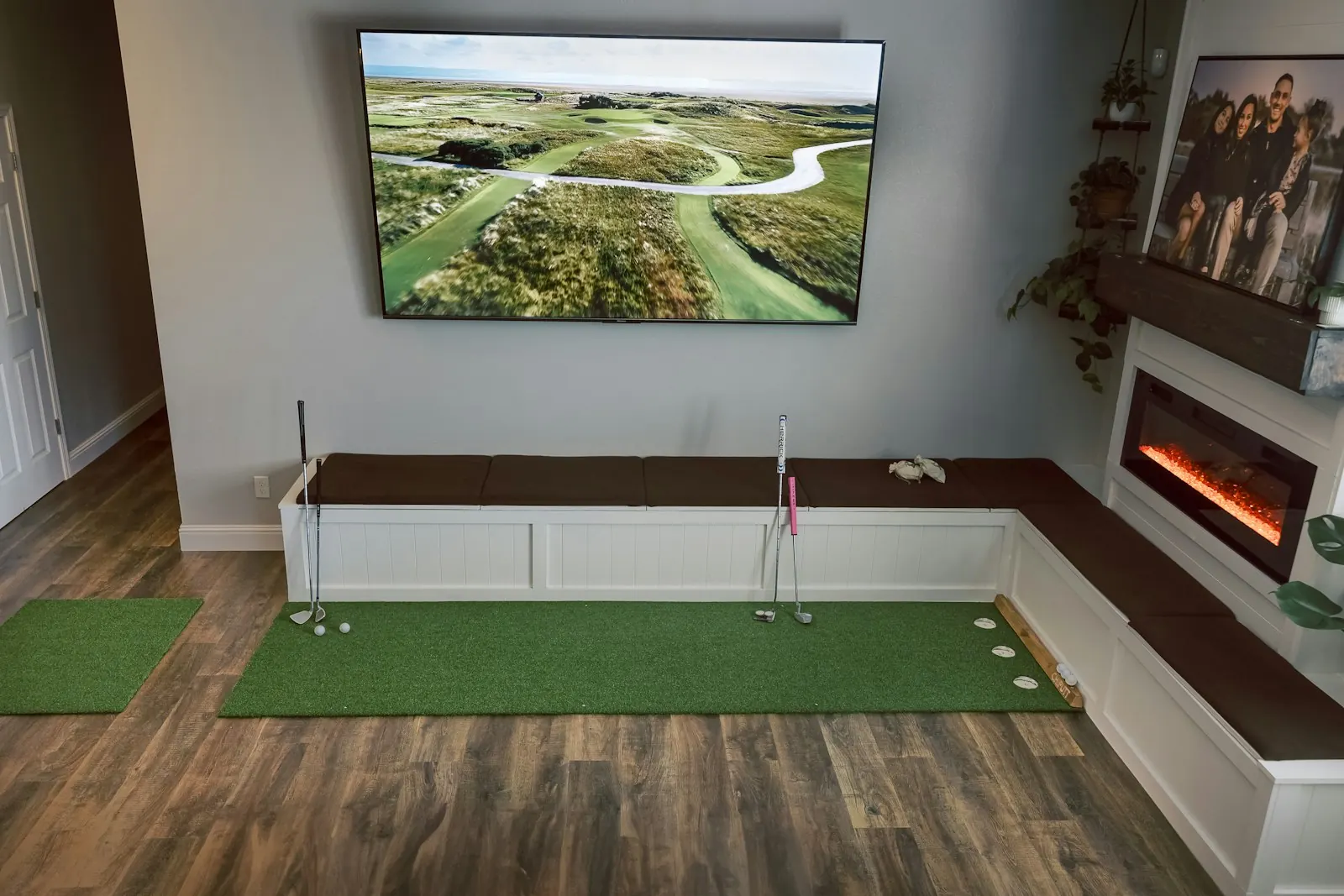
Sims are built around a simple setup. Hitting mat, flat floor, launch monitor, screen. The launch monitor reads the ball and club at impact, and the software flies the shot on screen.
That works brilliantly for flat-lie practice. You get instant data on carry, launch, spin and direction, and you can hit a lot of balls in a short time. Over a UK winter, it's often the only practice many golfers get.
The catch is that the course on screen has hills, sidehill lies and sloping fairways, but the mat doesn't. You play the virtual 14th from the side of a hill while standing on a flat mat. The shot you hit is a flat-lie shot. If the software then bends it to simulate the slope, you get a realistic-looking result without having made the adjustments you'd need on a real hill.
What sim slope settings do
Different packages handle this differently, so check your own software. Broadly, there are two common approaches:
- Ignore slopes. Every lie on the virtual course is treated as flat. Your shot flies as you hit it.
- Adjust the result. The software applies a slope effect to your shot, for example making a ball from a virtual uphill lie fly higher and shorter, or moving a ball from a virtual sidehill lie left or right.
The second can make course play feel more realistic. It doesn't help you learn the lie, because nothing changed about the way you stood or swung. You never feel the ball above your feet, never have to adjust ball position or shoulder angle, and never risk losing your balance. The why your simulator scores don't match the course post goes into the wider gap between sim and real golf.
The options for real slopes
If you want to actually stand on a slope in your sim, here are the main routes, from cheapest to most expensive.
| Option | What it is | Good for | Limits |
|---|---|---|---|
| Wedge or board | Plywood or a ramp under the mat | Testing the idea | Fixed angle, can be unstable |
| Sloped mat | Hitting mat with a built-in tilt | Simple, quick | One or two angles, usually one direction |
| Tilting platform | Adjustable platform you stand and hit from | Many lies, repeatable | You change it by hand |
| Motorised stage | Built-in powered floor that tilts | High-end studios | £20,000+, usually a fixed install |
A DIY board is fine for a quick feel, but most aren't stable enough for full swings and you're limited to one angle. Sloped mats are simple but usually give you one fixed slope. The sloped mats vs tilting platforms post compares them in more detail.
Motorised stages tilt the whole hitting area at the press of a button, and are often linked to the sim software. They're impressive, and they're a serious investment. The Zen Green Stage is around £23,795 + VAT, and they're usually installed as a fixed part of the room.

Practical points for sim users
If you add a slope to your sim setup, a few things are worth checking.
Ceiling height. Anything that raises you off the floor reduces your headroom, and on an uphill or downhill setting one foot sits higher again. Make a few slow practice swings with your longest club before hitting balls.
Launch monitor position. Some launch monitors sit beside the ball, others behind it or overhead. If you raise or tilt the hitting surface, check your unit's setup guidance on height and levelling. A unit that sits beside the ball may need to be raised to match.
Mat and floor. Make sure any platform sits firmly on the floor and doesn't rock. Put the hitting mat on top securely.
Practise in a structured way. Don't just switch the slope on and hit balls. Pick one lie, hit a set of shots, note the results, then change. The sim practice plan post has ideas for structure.
Use course play and practice differently
A good balance is to use the sim's course play for fun and decision-making, and use dedicated practice sessions with a real slope to learn the lies. When you're playing a virtual round, you can still set your real slope to roughly match the lie on screen, which makes the round more realistic.
Libro was designed for exactly this. It's a portable platform, 670 x 420 mm and 136 mm high, that tilts up to 7 degrees along its length for uphill or downhill lies and 13 degrees across for sidehill lies. It works with any launch monitor or simulator, sets in seconds with a cam lock, and has no batteries, nothing to charge and no subscription. It's coming to Kickstarter in early 2027, and you can reserve one for £10, fully refundable.