
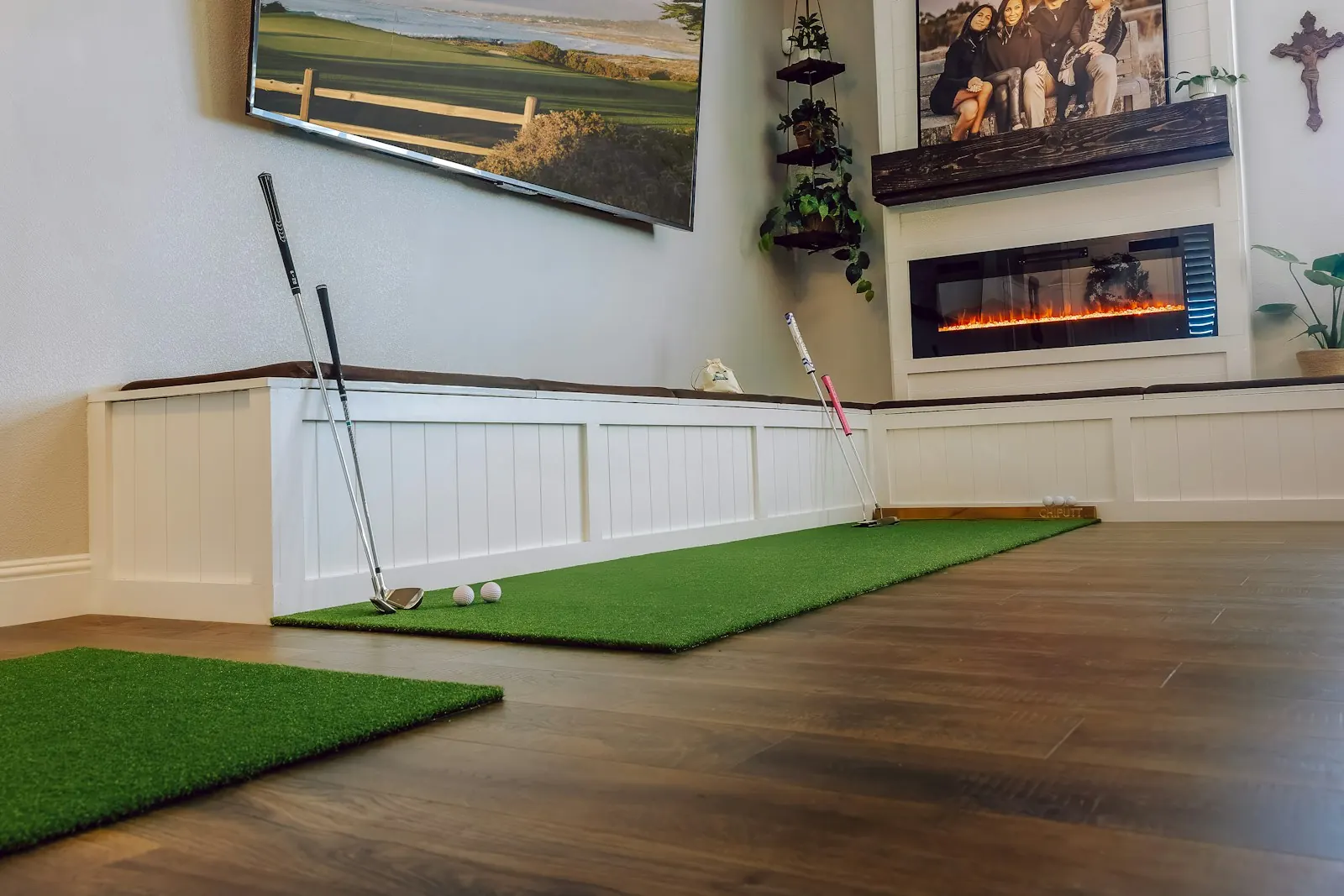
A home golf simulator needs five things: enough room to swing a driver safely, a hitting mat, something to stop the ball (a net or an impact screen), a launch monitor, and software to turn the numbers into shots. A projector, a PC or tablet and some lighting turn that into a proper sim, but you can start with less. Most of the hard decisions are about space, so measure the room before you buy anything.
Start by measuring the room
Plenty of people buy a launch monitor and then find out the garage is too low for a driver. Do it the other way round.
Take your longest club, go into the room in your golf shoes, and make slow full swings. Watch the ceiling, the light fitting and the walls. Then do it again with someone standing well clear, because your swing gets longer when you hit at speed.
As rough rules of thumb that a lot of home builders use:
| Measurement | Typical starting point | What it depends on |
|---|---|---|
| Ceiling height | Around 2.7 to 3 metres for driver | Your height, your swing, whether you only hit irons |
| Width | Around 3.5 to 4.5 metres | Room to stand either side, left-handed friends |
| Depth | Around 4.5 to 6 metres | Where the launch monitor sits and how far the screen is from the ball |
Treat them as starting points. Every launch monitor maker publishes its own space guidance, and some types need far more room behind the ball than others. Check the maker's guidance for the exact unit you're thinking of before you commit.
If you're short on height, you can still have a very useful setup for irons and wedges. Plenty of good players do most of their indoor work with a 7-iron anyway.
The launch monitor
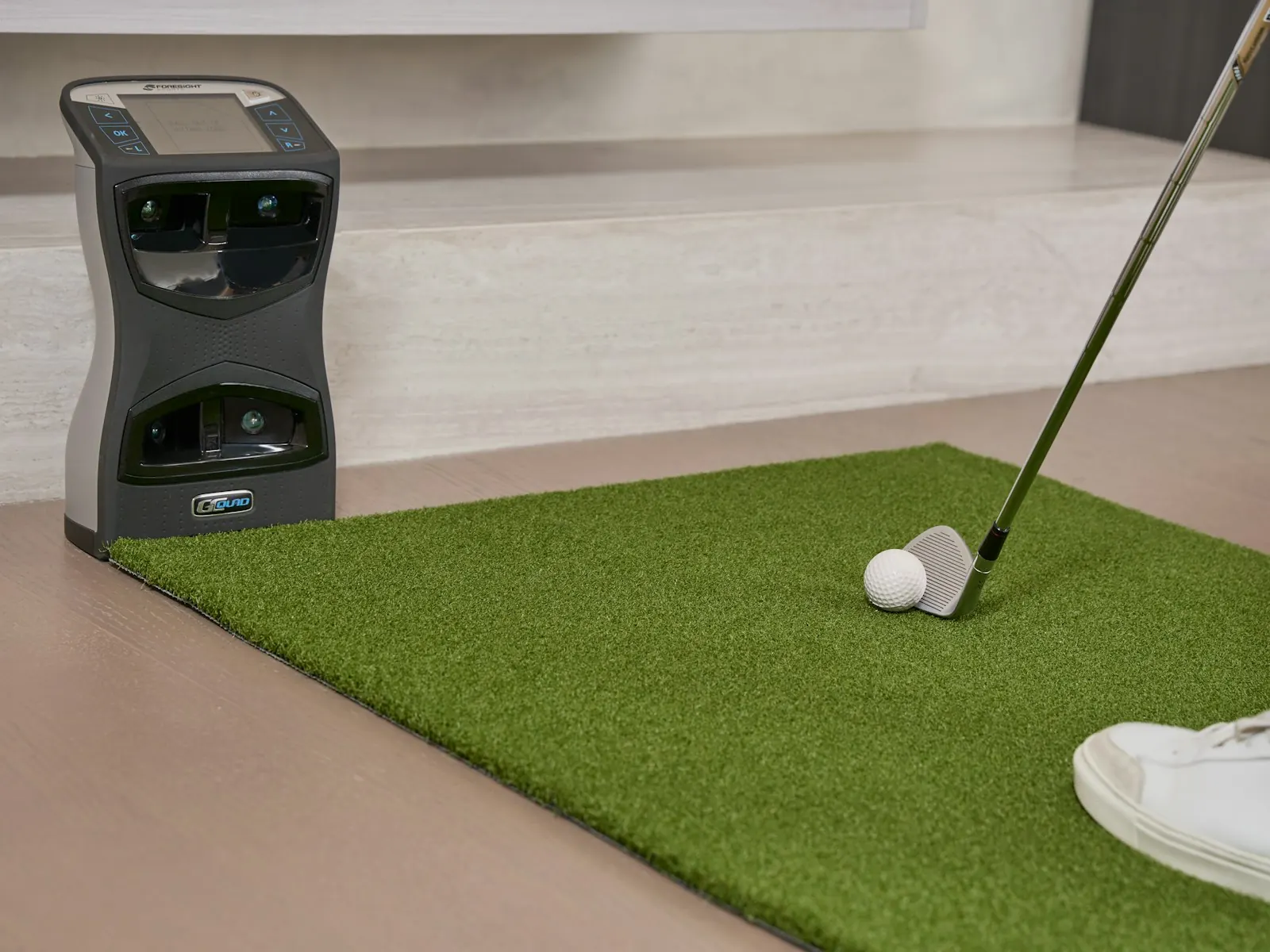
This is the brain of the setup. Launch monitors fall roughly into two camps: radar units that usually sit behind the ball, and camera-based units that usually sit beside it. Both can work well indoors. The placement matters for your room more than most spec sheets let on.
Things worth asking before you choose:
- Does it measure club data (path, face, attack angle) or mostly ball data?
- Where does it need to sit, and how far from the ball?
- Does it need special balls or stickers indoors?
- Which simulator software does it work with, and is there an ongoing fee for the bits you want?
If you're new to the numbers, read up on which launch monitor numbers matter for beginners first. It stops you paying for data you won't use yet.
Net or impact screen
A net is cheaper and easier to fit. You hit into it and watch the shot on a tablet or monitor beside you. An impact screen lets you project the course in front of you, which feels much more like golf, but you then need a frame, side and top netting, and a projector.
Whichever you pick, think about the stuff behind it. Leave a gap between the screen and the wall so the ball doesn't push the screen into brick. Put padding or netting around the edges, because mishits happen and a shank in a garage is loud.
The hitting mat
People skimp here and regret it. A hard, thin mat lets the club bounce into the back of the ball, so a heavy contact can look fine on screen. It also jars your wrists and elbows over a long session.
A good mat is thick enough to take a proper strike, firm enough that the ball sits up properly, and big enough to stand on with both feet. There's a full breakdown in our guide to choosing a golf hitting mat.
Projector, screen and computer
If you go with an impact screen, the projector is usually mounted overhead or on the floor in front of you, angled so your shadow doesn't fall across the picture. A short-throw projector helps in tight rooms. Brightness matters more in a garage with a window than in a dark spare room.
The computer side depends on the software. Some run on a tablet or phone, others want a gaming-grade PC for the full course graphics. Check the software requirements before you buy the computer.
The bits people forget
- Power and cable runs. You'll want sockets near the projector and the monitor. Don't run cables across where you stand.
- Flooring. Bare concrete is cold and hard. Some cheap foam tiles around the mat make long sessions more comfortable.
- Heating. A UK garage in January is grim. Cold hands, cold balls and stiff backs all change your numbers.
- Lighting. Camera units in particular can be fussy about light. Bright, even light over the hitting area usually helps.
- Ball storage. A bucket within reach saves bending down 200 times.
What a sim can't give you
Once it's set up, you'll hit a lot of balls from a perfect, flat lie. That's great for strike and swing work. It's also the one lie you rarely get on a real course, where most approach shots are played with the ball a bit above or below your feet, or with one foot higher than the other. We've written about why simulators only give you flat lies and what you can do about it.
When you're ready to use the setup properly, a structured simulator practice plan will get more out of each hour than just hitting driver at the range screen.
Quick answers
Can I have a golf simulator in a garage? Often, yes. Height is usually the limit. Swing a driver in there before buying anything.
Do I need an impact screen? No. A net and a tablet work fine for practice. The screen makes it feel more like playing.
Is a flat mat a problem? For strike practice, no. For learning the lies you get on a course, it's a gap worth filling.
Libro was built for that gap. It's a portable platform that tilts to recreate uphill, downhill and sidehill lies, up to 7 degrees along its length and 13 degrees across. It works with any launch monitor or simulator, needs no batteries or subscription, and fits a home setup at 670 x 420 mm. It comes to Kickstarter in early 2027, and you can reserve one for £10, fully refundable.