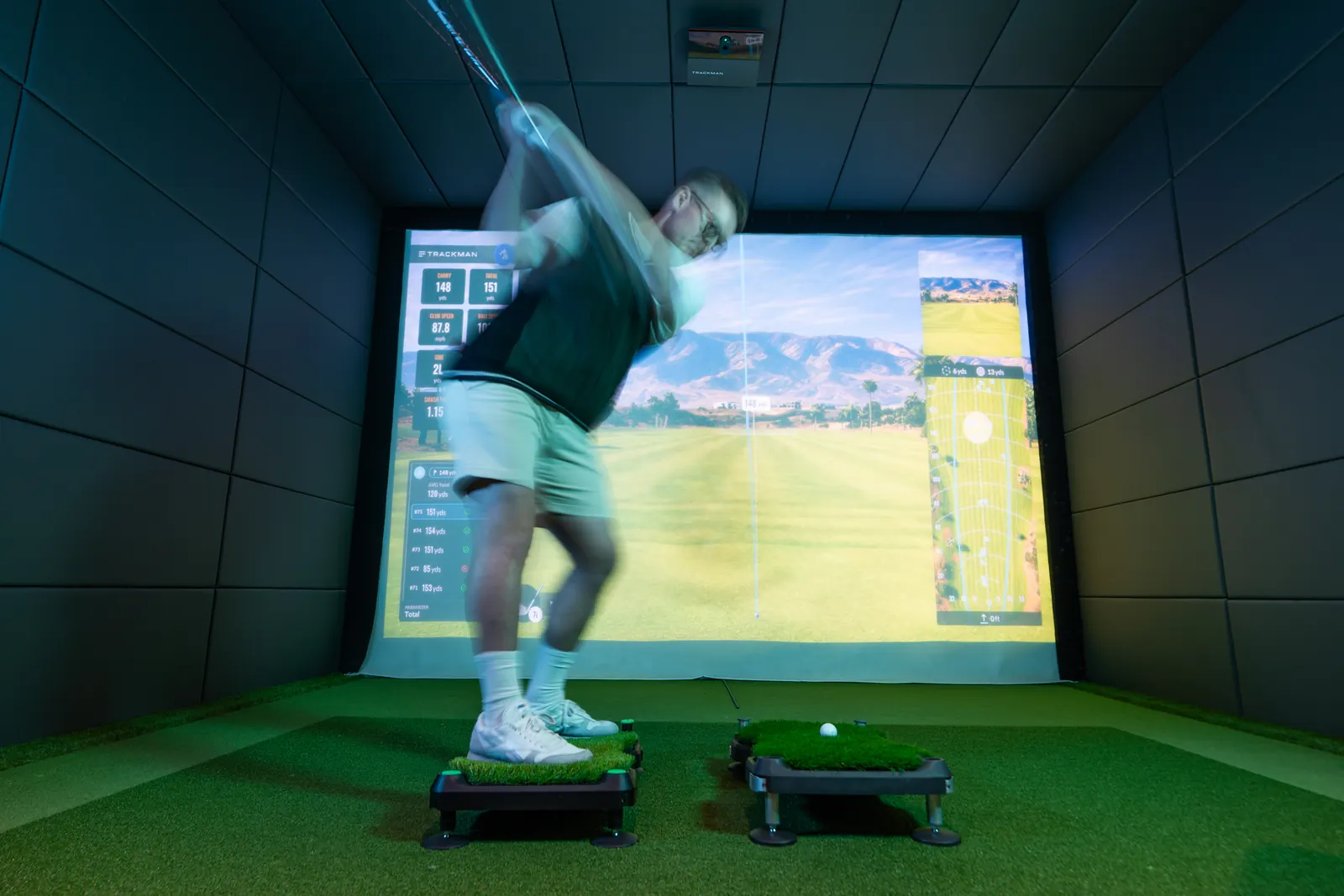
Libro works with any launch monitor or simulator, and on its own. There's nothing to pair, sync or charge, because Libro has no batteries and no electronics. It changes the ground under your feet. Your launch monitor keeps measuring the shot exactly as it always does.
So the question is less "will it work with mine?" and more "what should I do with the two of them together?"
What a launch monitor shows you on a slope
On a flat mat, your launch monitor tells you what your swing does. On a slope, it tells you what the slope does to your swing. That's the bit most golfers have never seen in numbers.
For a right-hander, the mainstream expectations look like this:
| Lie | What you'd expect to see |
|---|---|
| Uphill | Higher launch, less carry than you'd think, start line or curve tending left |
| Downhill | Lower launch, more run, tending right |
| Ball above feet | Tending left |
| Ball below feet | Tending right |
How much depends on the slope, the club and you. Some golfers barely change on a gentle uphill lie. Others see the ball start well left. The only way to know your own numbers is to measure them, which is exactly what a launch monitor is for. There's more on reading the data in using a launch monitor to learn uneven lies.
A simple first test
- Hit ten shots flat with one club, say a 7-iron. Note average carry, launch angle and where the ball starts.
- Set Libro to a gentle uphill lie, lock it, and hit ten more with the same club and the same target.
- Compare. Did launch go up? Did carry drop? Did the ball start left of where it did on flat?
- Do the same with a downhill lie and with each sidehill lie.
Because the laser-engraved height lines let you set the exact same lie again, you can repeat the test in a month and see whether your numbers on that lie have moved closer to your flat numbers. That's real progress you can point to, on a shot that actually costs you on the course.
On a home simulator
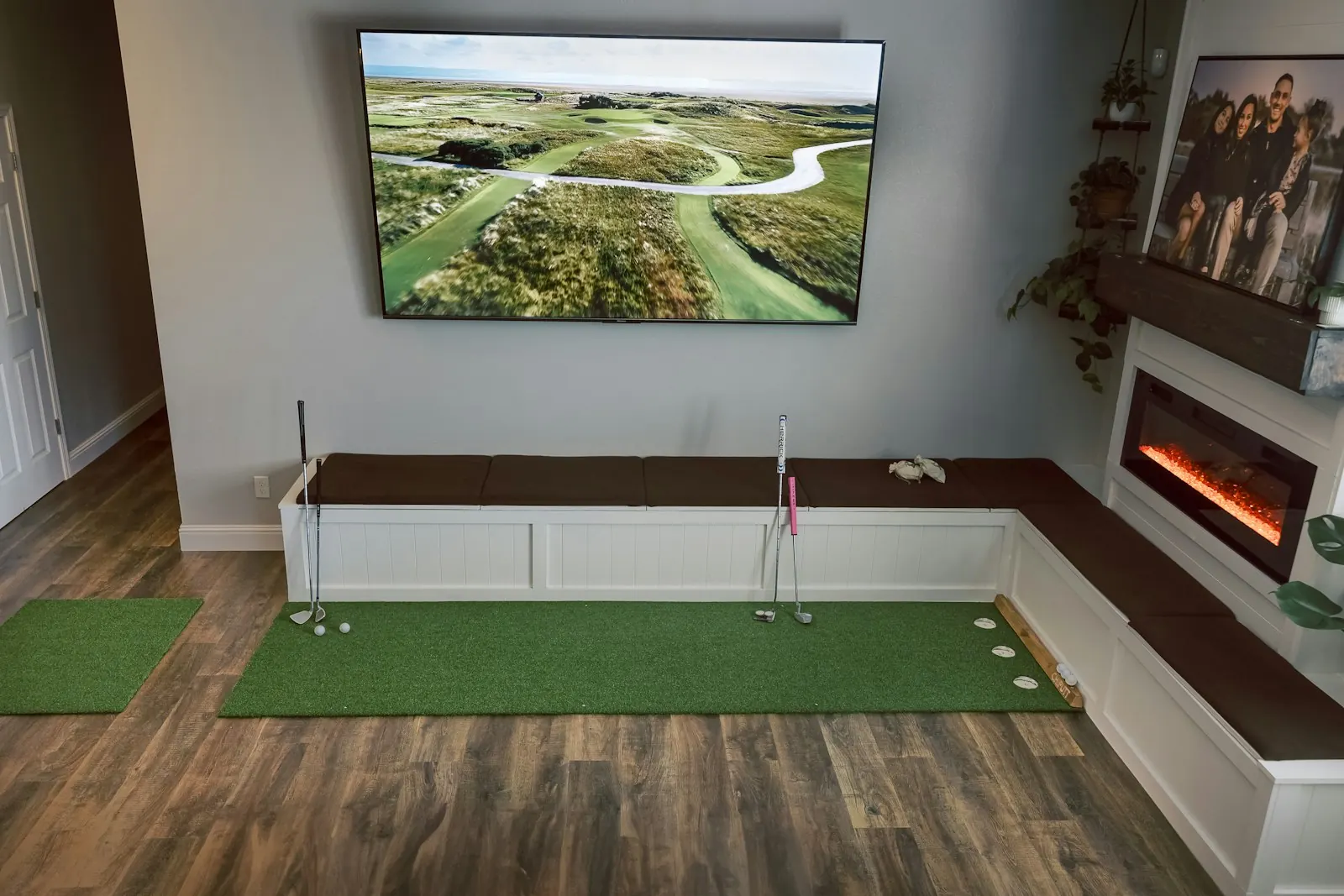
Sims are brilliant for practice volume and terrible at one thing. Every lie is flat. The software can show you a ball sitting on a sidehill on screen, but your feet are still on a level mat, so your body never learns the shot. We go into this in more detail in golf simulators only give you flat lies.
Putting Libro in front of the screen fixes the part the software can't. If your sim lets you play a course hole by hole, try matching the lie on screen to the lie under your feet for a few holes. It's slower than flat sim golf and much more like the real thing.
Setting up your monitor
Libro is 670 x 420 mm and 136 mm high, so it sits in a normal hitting space without much fuss. Launch monitors differ in where they want to sit and how they read the ball and club, so follow your own monitor's set-up guide for positioning, and check a few flat shots first so you know it's reading properly before you start tilting.
If you don't have a launch monitor
You don't need one. Libro works with a net, a range bay or a field and a bag of balls. Watch your start line against an alignment stick and see where the strike marks land on the face. If you want to know which numbers are worth caring about when you do get a monitor, start with launch monitor numbers that matter for beginners.
The short version
Libro tilts up to 7 degrees along its length and 13 degrees across, sets in seconds with a cam lock, and weighs 4.97 kg. No batteries, no subscription, and it works with whatever you already use. It's coming to Kickstarter in early 2027, and you can reserve one for £10, fully refundable.